NOTE: As of December 6, 2018, Google has discontinued Nearby Notifications on Android, making much of the information in this post no longer relevant. Read more here.
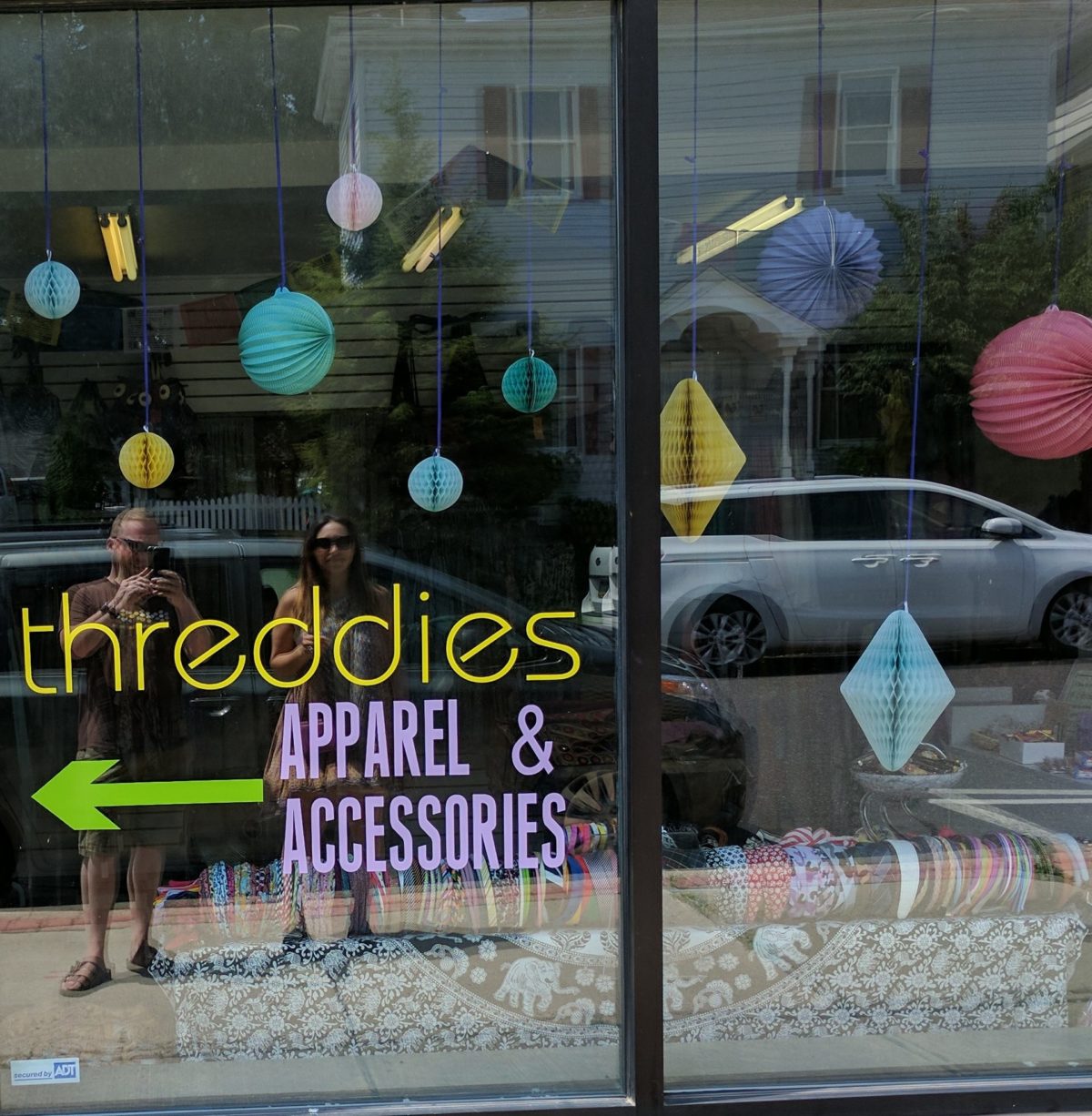
Threddies recently made the transition from existing online only to having a B&M boutique shop. The Threddies shop specializes in items that are noticeably distinct from the online offerings. This posed a challenge for email marketing efforts. What was the best way to approach introducing the new store to existing customers? How could we ease new customers of the boutique into the existing Threddies email campaign? Would existing online customers (who are spread around the world) even care about the physical location?
Establishing the baseline
Many of the questions regarding how to actually structure the effort using our email marketing toolkit were quickly answered. AWeber was in the process of rolling out its segmenting on tags feature. This was a crucial need. We knew we didn’t want to maintain separate lists for online customers and those who frequented the shop. We also wanted to be able to easily keep all of our customers up to date about sales that were happening in the online store. Informing everyone about new items from the shop that we intended to sell in the online store was also desirable. One thing was very clear. We did not want to bombard online customers with information that would only really be relevant to people who could actually visit our physical location.
We sent one email to all customers informing them of the plan to open the B&M storefront. In this email, we directed anyone who was interested in more information to use an alternate signup form that we created with a tag that denoted their interest. This would add new subscribers with the appropriate tag, but would also update existing subscribers to have the tag that we were going to key off of in order to send email with information specific to the boutique. We now had the ability to send targeted emails to those who actually cared about the physical store. That was great for existing customers, but it wasn’t really the best way to get visitors to the store signed up to our list.
Growing the local customer base
If someone made a purchase in the store, they would automatically be added to our marketing efforts. However, we noticed in the early days, that a lot of people were stopping in and just browsing as we were tweaking the shop layout and products that were for sale. We wanted to be sure that anyone who stopped in early on and wasn’t ‘converted’ would still have incentive to come back as the concept was evolving. One option, was setting up a device running AWeber’s Atom with the appropriate tag pre-filled. We decided against this because the shop is small. Doing this would take up space that we could use for more merchandise. Also, initial indications were that people weren’t going to be very proactive about signing up and would need to be instructed to do so.
Wouldn’t it be great if there was a way to inform any visitor to the shop that we have a way for them to register for more information? Especially without someone directing them to a tablet in the corner of the store? Wouldn’t it be great if they could do all this from the device that they already have in their pocket?
Enter the Physical Web
I had been playing around with beacons and thought using them to solve this dilemma would be a good experiment. A beacon is a Bluetooth Low Energy device, capable of broadcasting information. Since it uses Bluetooth, the range of that broadcast is limited to a fairly small area. The range can be tweaked by adjusting the beacon broadcast power.
There are two main competing beacon standards: iBeacon (favored by Apple) and Eddystone (an open standard developed by Google). Android and iOS devices can use both standards. However, iBeacon requires that an app be written to specifically interact with the beacon. Eddystone has a URL format which has become the cornerstone of the Physical Web. Android devices can interact natively with Eddystone-URL and iOS devices can do the same using the Chrome browser. I already had some Estimote beacons which support both iBeacon and Eddystone, so I configured one to broadcast the Eddystone-URL format.

Setting up the beacon
Estimote provides an Android app and Web UI to configure their beacons but any beacon that supports Eddystone will have a similar configuration process that is manufacturer specific. I’ll outline the basic steps without explicitly discussing the exact process required by my beacon manufacturer.
The first thing you’ll want to do is make sure the beacon is broadcasting Eddystone packets and more specifically the Eddystone-URL format. This format requires a URL that holds the content of what you want to broadcast. I reused the URL for my web signup form. This was already configured to tag subscribers as being interested in the physical storefront. You will need to configure the beacon to broadcast this URL as well. The url cannot be bigger than 17 bytes, so you’ll likely need to use an URL shortener in order to accomplish this.
I used to like Google’s URL Shortener as it provided a nice dashboard with some metrics about your shortened URLs. Google’s URL Shortener has been abandoned like many of its products. Once everything is configured, and your beacon is properly broadcasting the Eddystone-URL format, you should see a ‘nearby’ notification on any reasonably recent Android device.

When someone clicks on this notification, they will be directed to your signup form.

Now you can place your beacon in the location where you would like to broadcast your physical web location. Make sure to adjust its broadcasting power accordingly. Prepare to answer questions. You’ll likely have someone who sees your ‘nearby’ notification for the first time and is curious about what exactly is happening.
Beacon of Hope
I’m still analyzing data regarding the effectiveness of this approach. It’s not perfect. Not every device supports it without additional configuration. Despite this, adopting a standards approach like this allows others using Eddystone beacons and the Physical Web to aid in familiarizing customers with this technology. This might just help drive adoption.
Moving forward, I’ll likely use this in conjunction with a dedicated Threddies app. This would allow use of more beacon functionality while providing additional opportunities for engagement. If you have any questions about using beacons or general discussion about the Physical Web, feel free to reach out. I’d love to hear from you!
Leave a Reply